


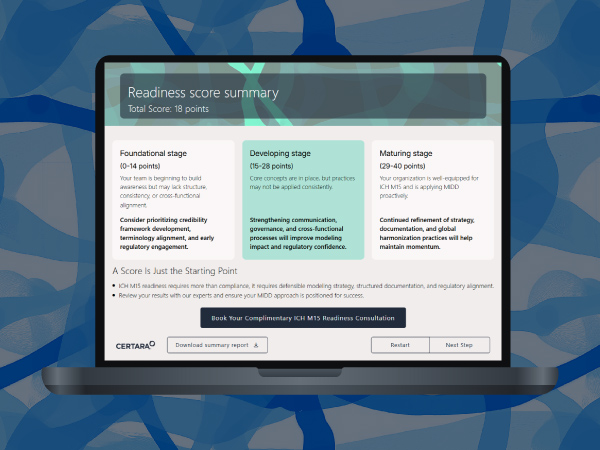

Pharmacometric modeling used to mean steep learning curves and heavyweight desktop installs. Not anymore. Model Designer, built on the Phoenix Cloud platform, puts model discovery, configuration, and validation in your browser. No software required, no setup delay.
Catch the full session on demand and see Certara’s product and engineering team walk through what inspired Model Designer, how it works in practice, and where it fits into your existing Phoenix workflow. You’ll watch a live demo covering the visual model library, real time parameter editing via code or menus, and AI generated explainers you can share with your team.
Whether you’re building your first population PK model or looking for a faster way to explore model behavior, this recording shows you what’s possible when pharmacometrics moves to the cloud.
What you’ll learn
- How to search Certara’s curated model library and find the right NLME model for your use case, from any browser
- How to build compartmental models visually or write custom PML, with syntax help and AI guidance built in
- How to simulate model behavior and explore PK/PD outputs fast, even without a fitting dataset
- How Model Designer outputs feed directly into Phoenix NLME, Phoenix RsNLME, and Pirana for your next analysis step
- What’s coming next, and how the Phoenix Cloud Pharmacometrics Steering Committee is shaping the roadmap
Speakers
Arjen Bos, Principal Product Manager, Certara. 20+ years in life sciences, working across Phoenix Cloud modules.
James Craig, MS, Principal Software Engineer, PMx. 14 years building pharmacometric software, with deep expertise in PML, NMTRAN, and cloud native modeling workflow systems.
